DriveShare App Features
← Back to HomeFor Drivers
Find, book, and navigate to driveways near your destination.
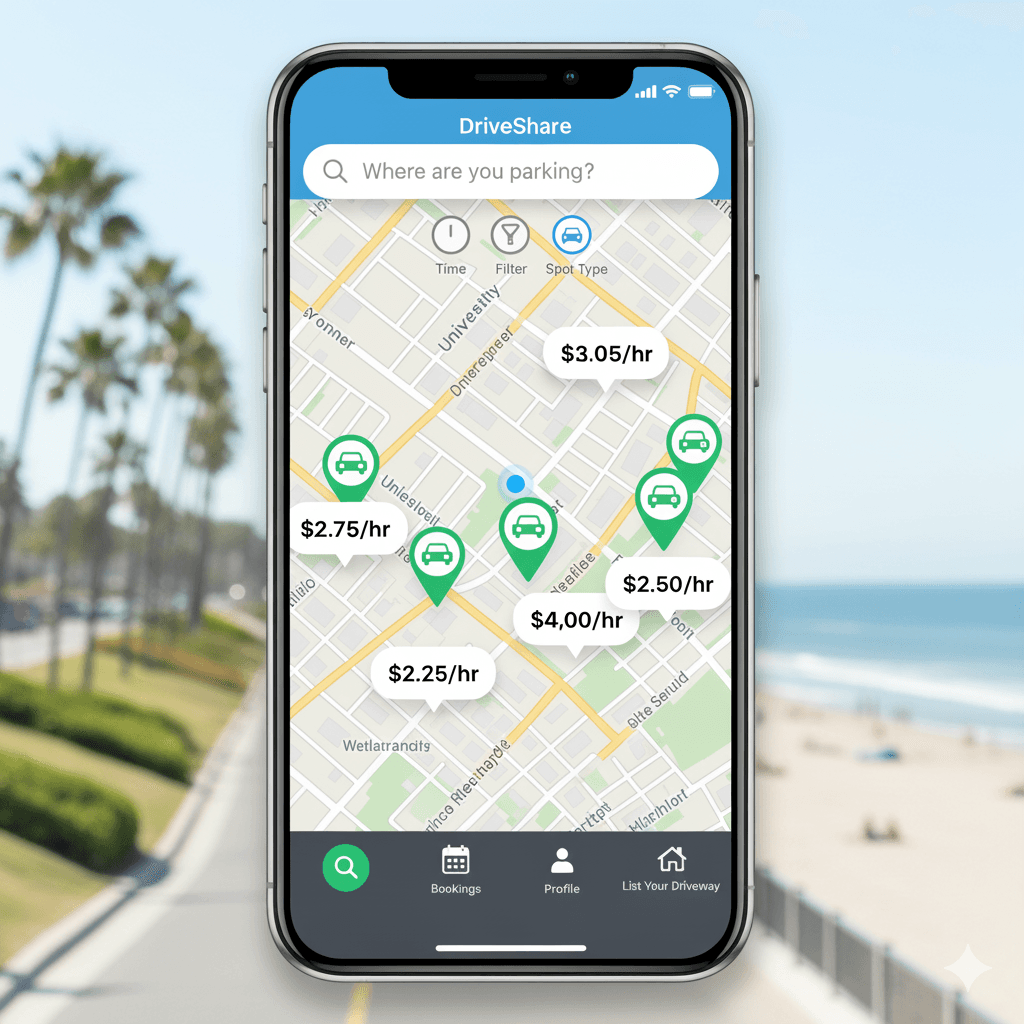
See nearby driveways with price bubbles; pan and zoom the area.
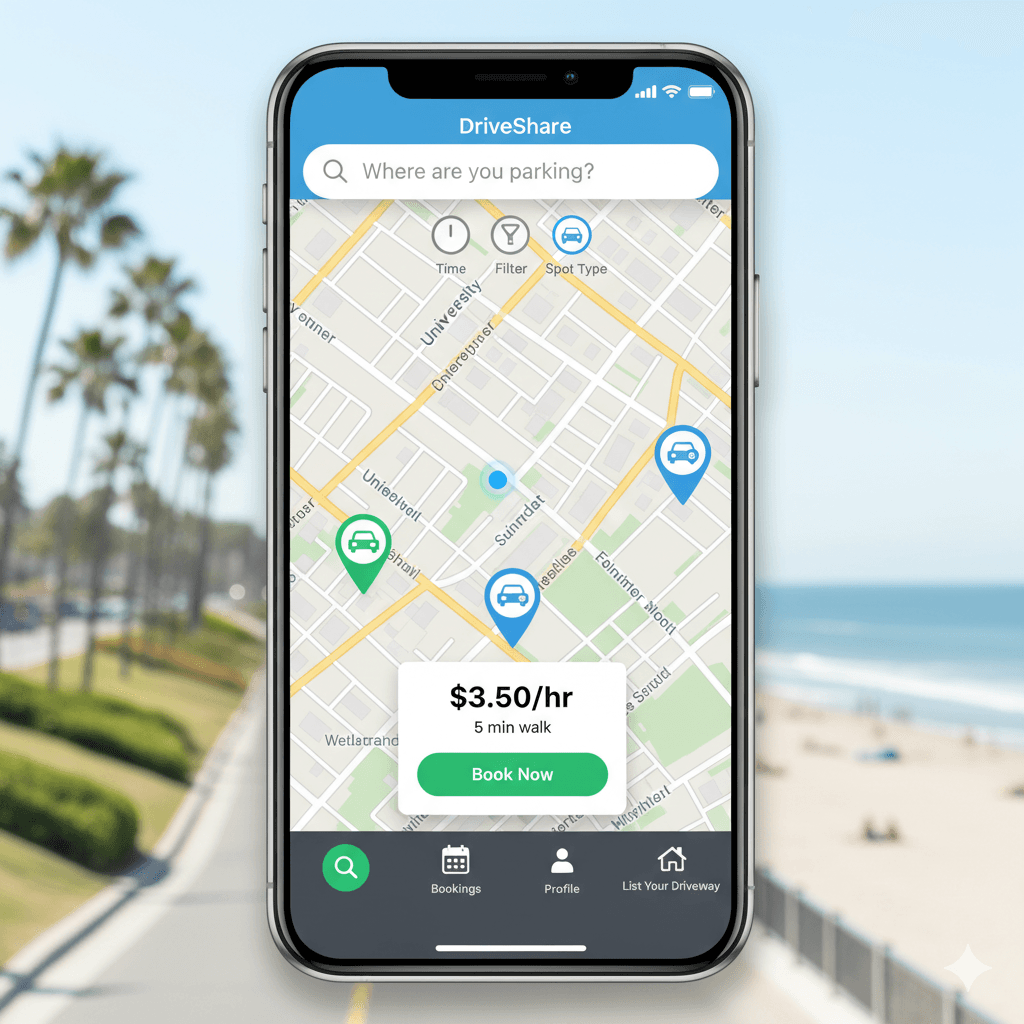
Browse nearby driveways on the map, compare prices, and tap to book instantly.
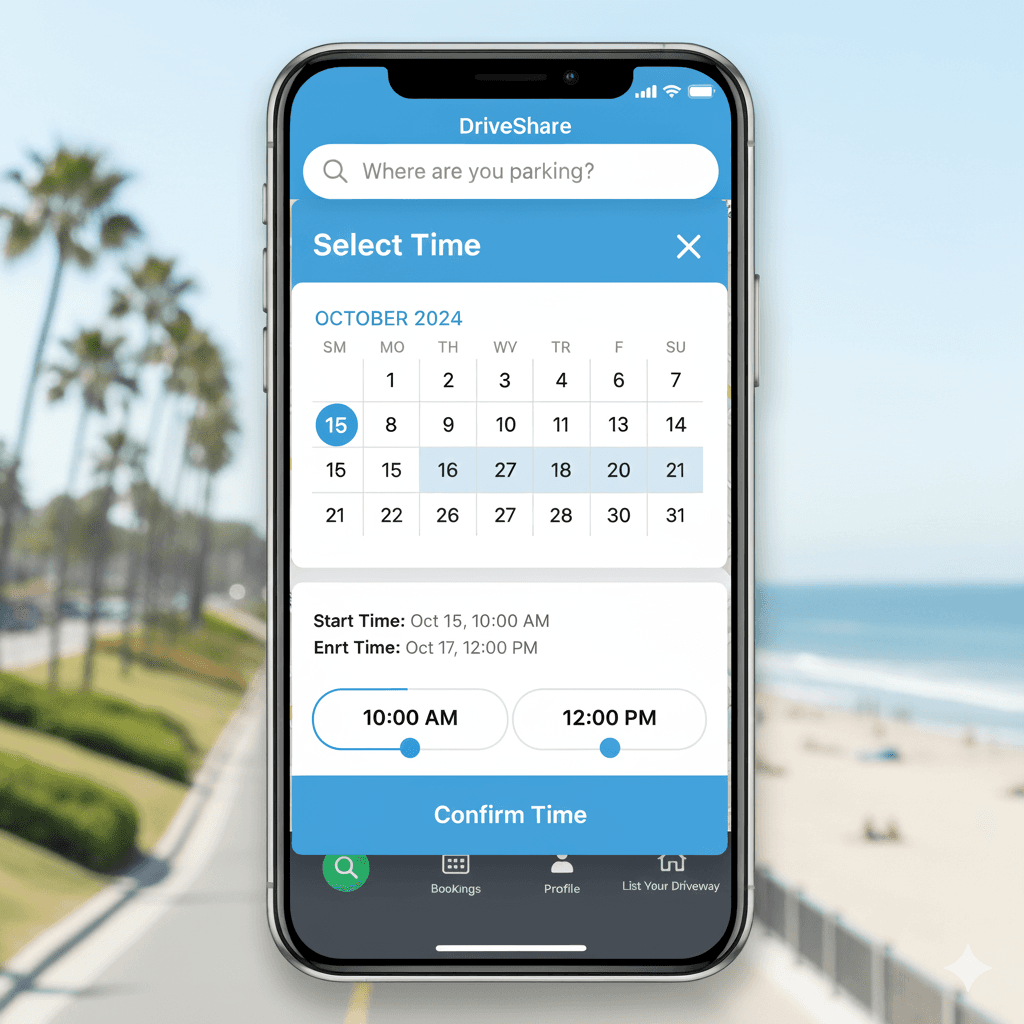
Pick start/end times or quick presets for your reservation.
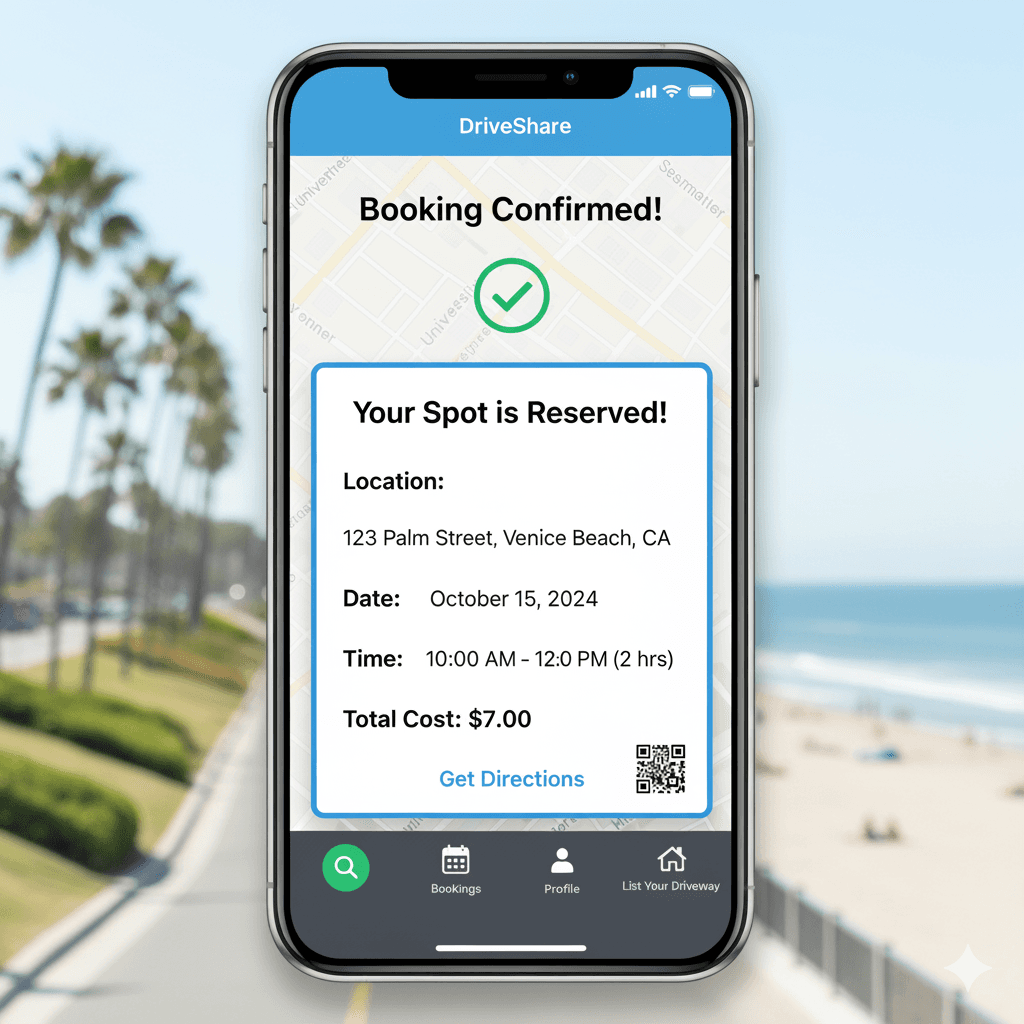
Clear summary with location, date, time, total cost, and ‘Get Directions’.
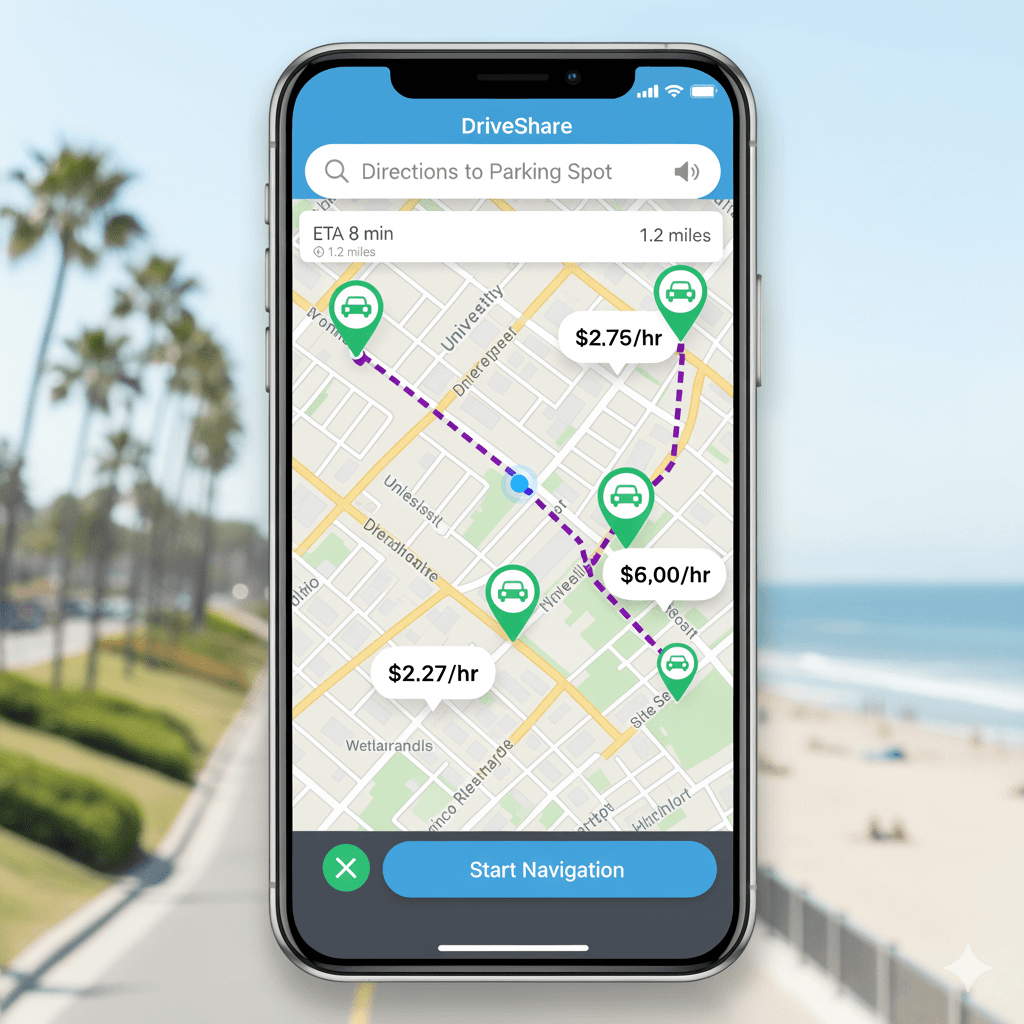
Turn-by-turn route to your reserved driveway.
Pay securely in-app; receipts saved to your bookings.
For Homeowners
List your driveway, set schedules, and track earnings.
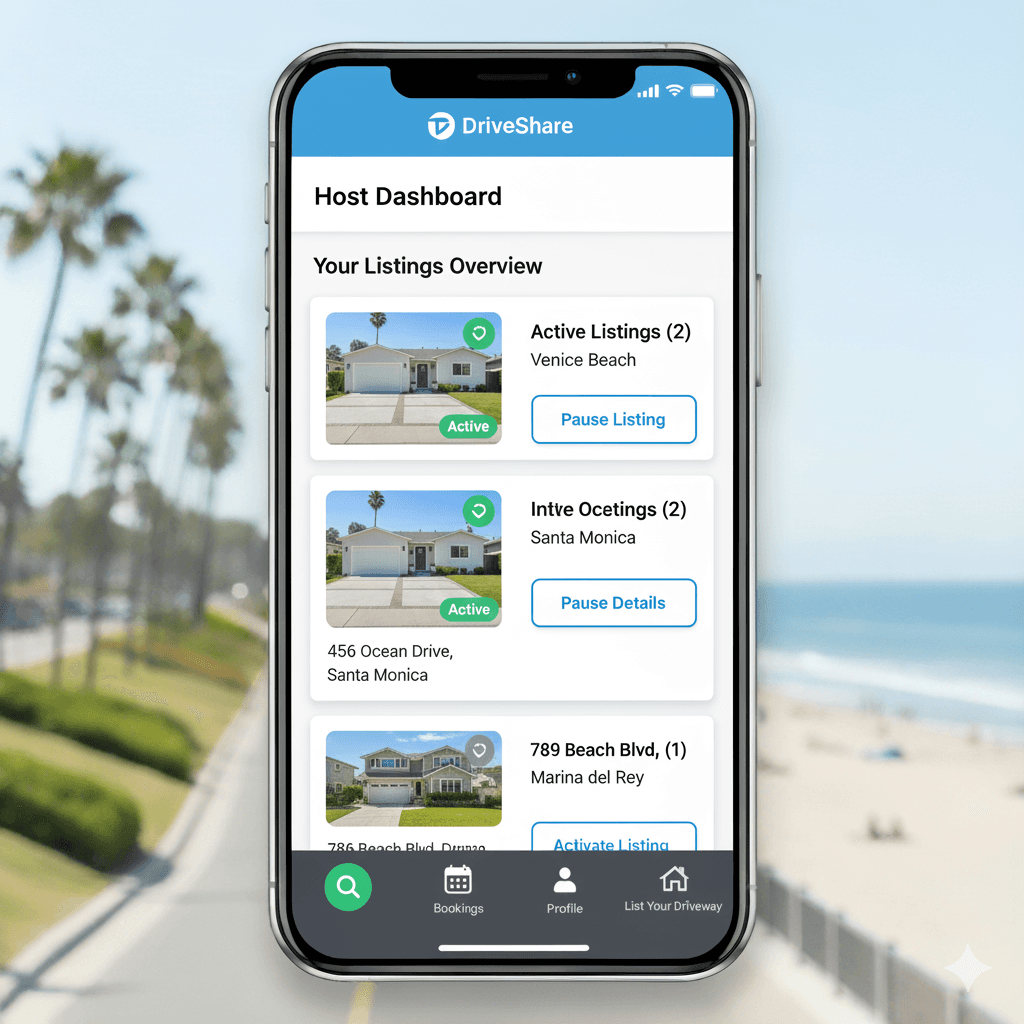
Manage active listings and pause/reactivate anytime.
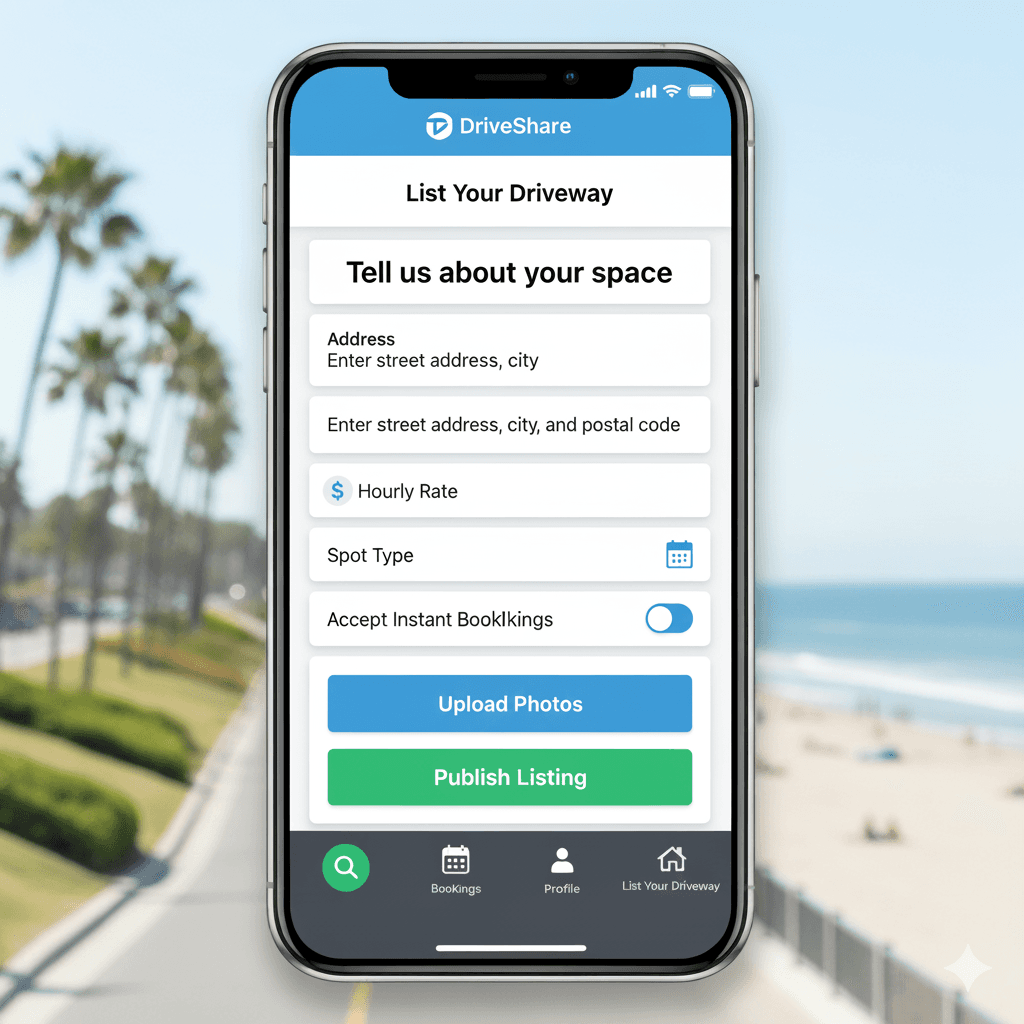
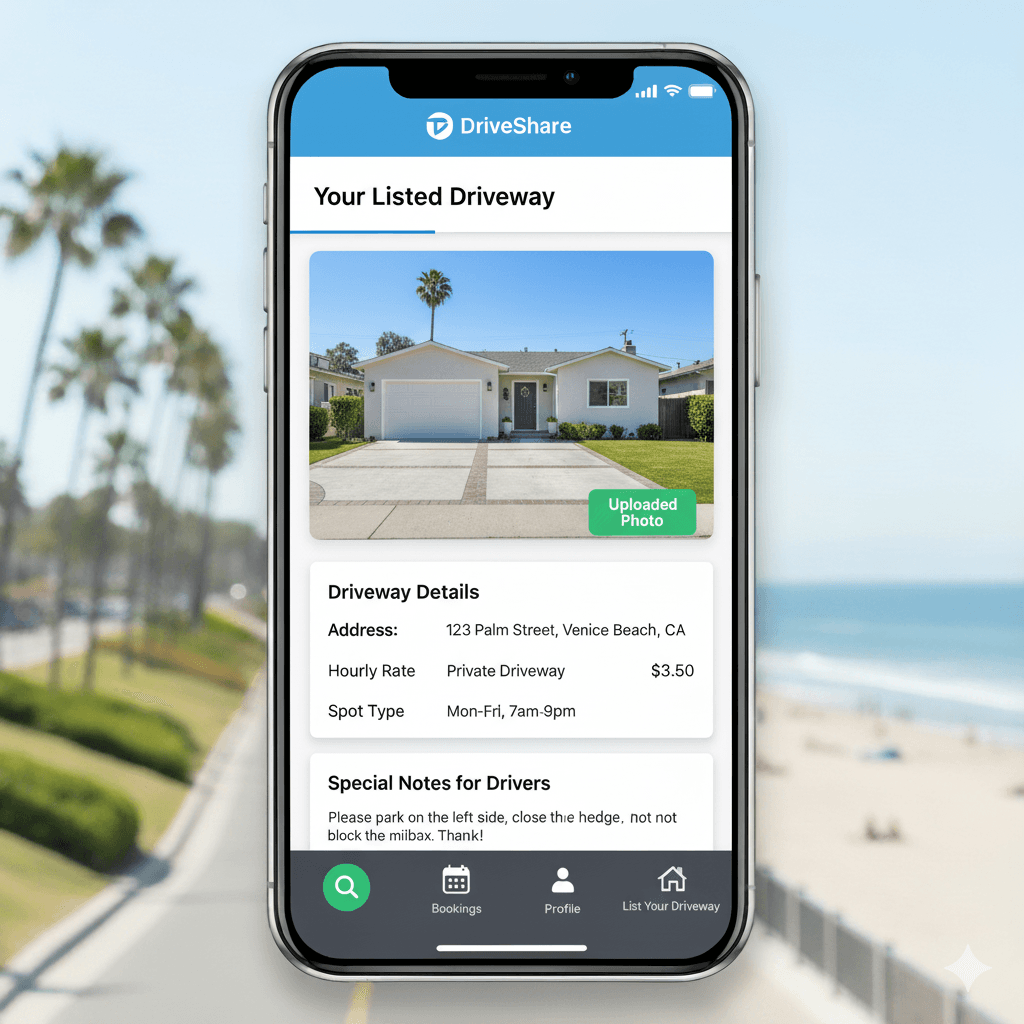
Add address, rate, spot type, upload photos, and publish.
Detailed page with photo, rules, and special notes for drivers.
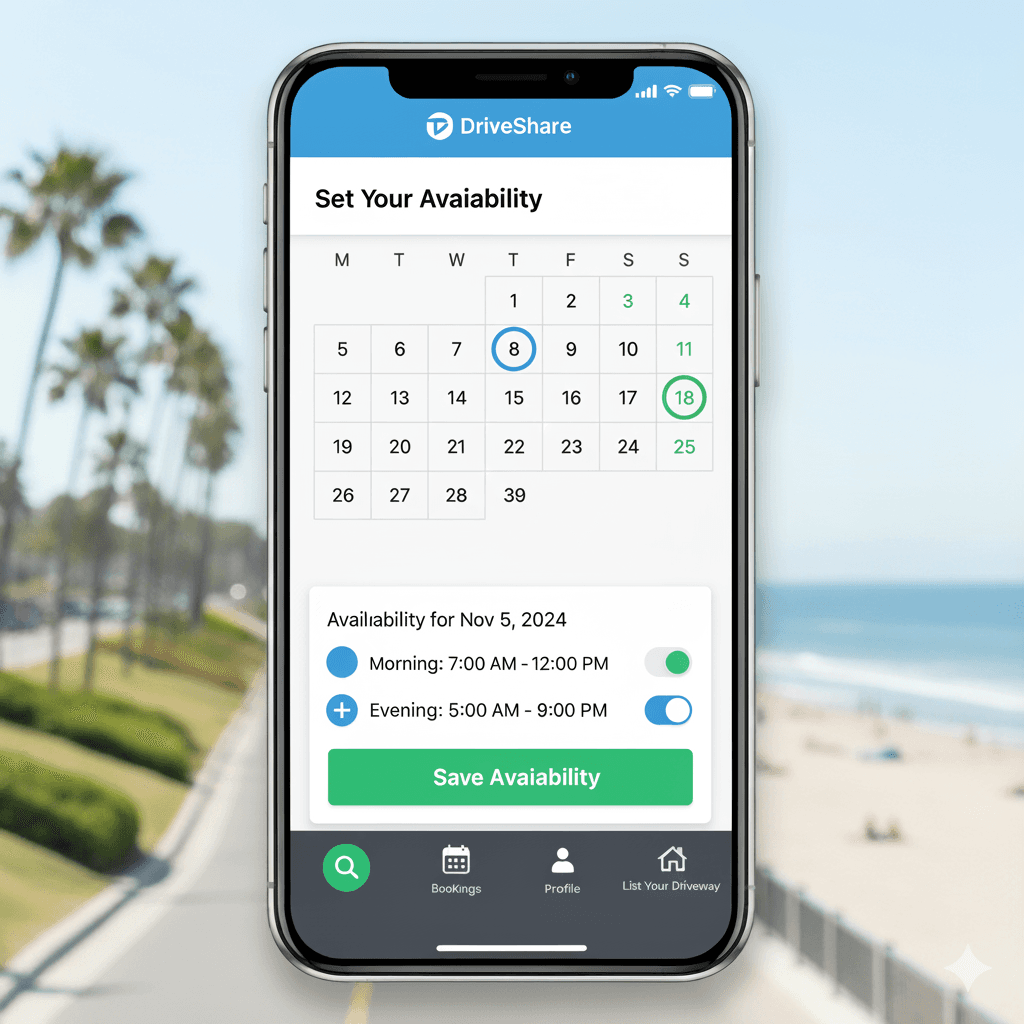
Choose days and time windows; add morning/evening blocks.
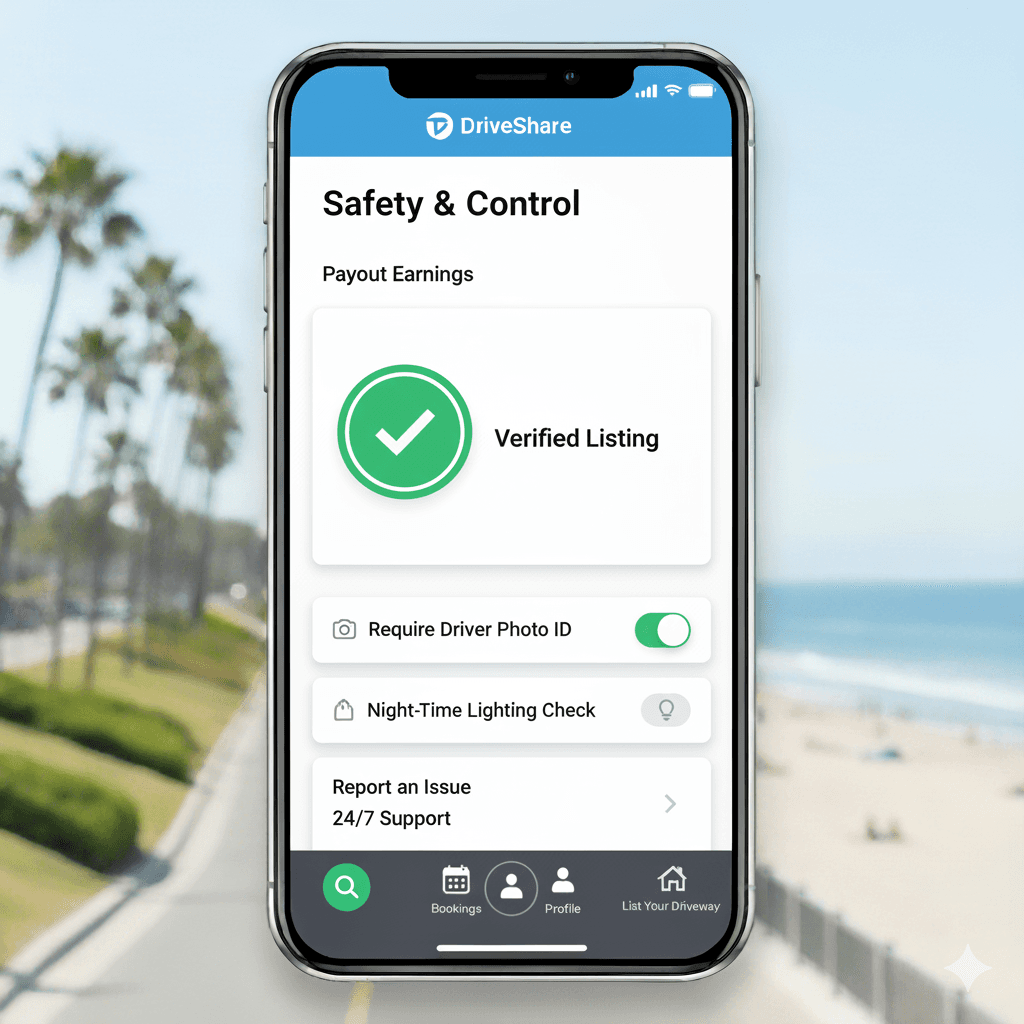
Verified listing, require driver photo ID, lighting checks, and support.
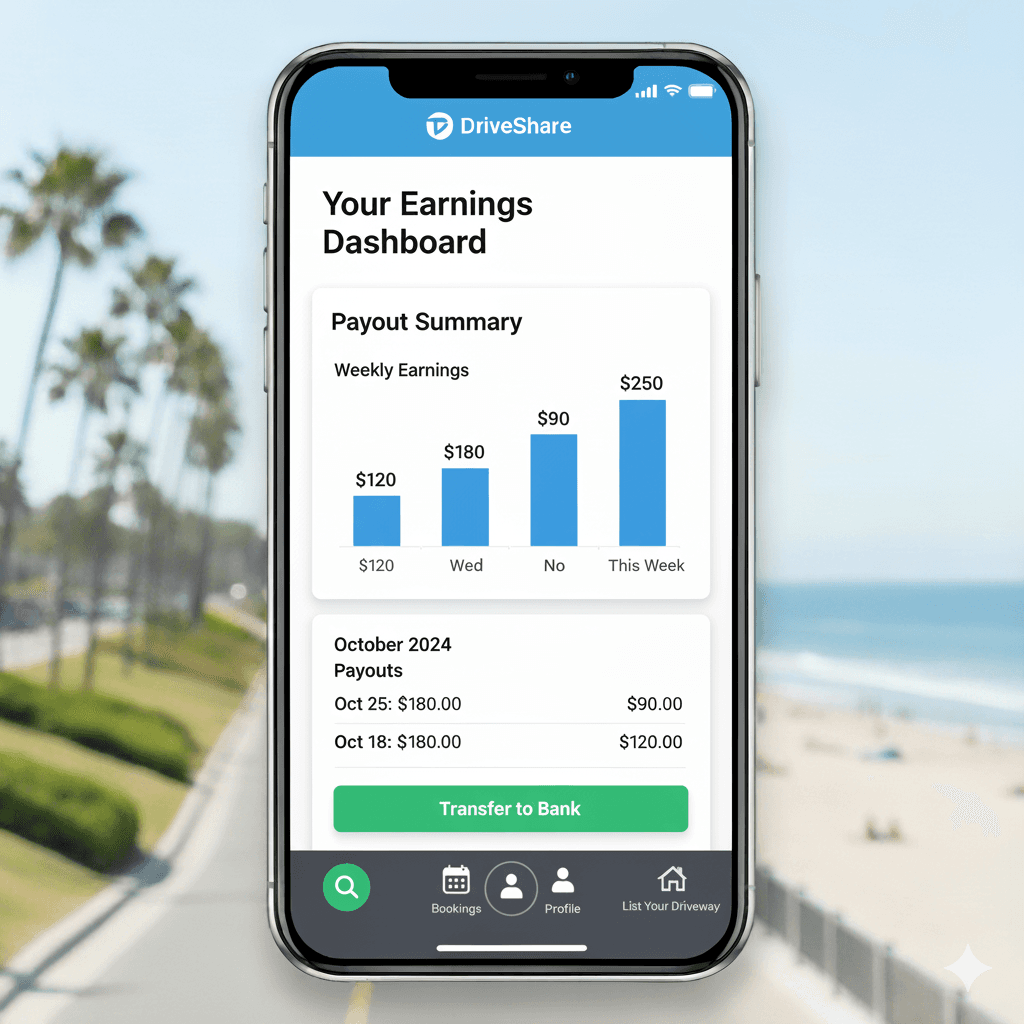
Weekly earnings chart and payout history; transfer to bank.